Slow SQL: Where Should You Start? 5 Questions Before Adding an Index
Collect the exact SQL, input values, timing boundaries, recent changes and expected results before choosing a fix. Compare using the same inputs, data and timing interval.
“The report is slow. Could you add an index?” If you received this request, where would you start? Would you look at the tables first, or ask which step the user is waiting for?
An index is a structure that helps Oracle find data faster for certain types of searches. But knowing that a report is slow isn't enough to tell us whether we should add one. First, gather enough detail about the symptoms to know what to investigate next.
Suppose a report needs to show orders for customer 120 for January 15, 2026 only, and the orders table contains these two sample rows.
| order_id | amount | customer_id | ordered_at |
|---|---|---|---|
| 101 | 1200 | 120 | 2026-01-15 00:00:00 |
| 102 | 800 | 120 | 2026-01-16 00:00:00 |
Before looking at the result, try predicting which order the report should show when this statement runs against a table containing the sample data.
SELECT order_id, amount
FROM orders
WHERE customer_id = 120
  AND ordered_at >= DATE '2026-01-15'
  AND ordered_at < DATE '2026-01-16';
The expected result from the sample data:
ORDER_ID  AMOUNT
--------  ------
     101    1200
Order 101 falls on the required date. Order 102 is at the start of January 16, so it doesn't meet the condition < DATE '2026-01-16'. This example gives us a shared understanding of which data the report needs. It doesn't tell us whether the statement is fast or slow.
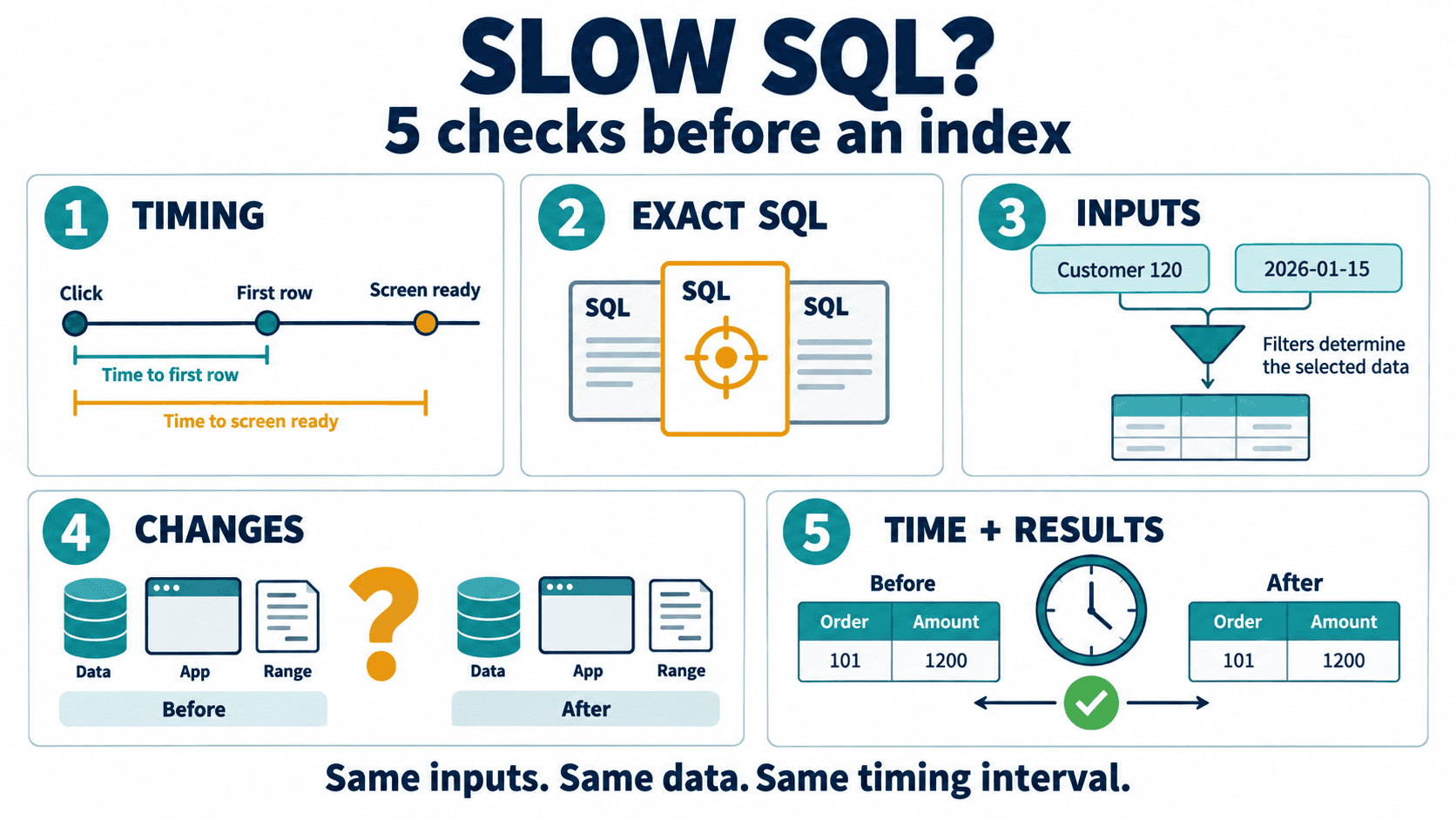
Now, if a user says this report is slow, there are five questions we should ask.
1. Where is it slow, and where does the timing start and stop?
A user might start timing when they click the search button and stop when all the data appears on screen. The person investigating the SQL might stop timing as soon as the first row appears. These two measurements cover different intervals.
Before comparing times, agree on the same starting and ending points. Record whether you're measuring the wait for the first row, for all the data, or for the screen to finish displaying it. This helps you locate the part that is taking time.
2. Which SQL statement is holding up this report?
A single report page may run several SQL statements. “The report is slow” doesn't identify which one needs investigation. First, collect the statements the application uses while the problem is occurring.
If you're going to run a statement separately, don't change its conditions or remove parts just to make testing easier. We first need to know whether the statement being examined matches the work the user is waiting for.
3. Which conditions did the user select when it was slow?
In the example, we explicitly specified customer 120 and the interval from the start of January 15 up to, but not including, the start of January 16, 2026. Whoever takes over the investigation knows which values to test with.
But if the user requested a report for a whole month and we test only one day, we haven't tested the same request. Record all the actual values used, including the customer, dates, and any other conditions the user selected. Don't collect just the SQL statement without those values.
4. What changed before it became slow?
Ask whether the report used to run quickly with these same conditions, when the slowdown was first noticed, and what changed around that time. For example, the data may have grown, the application may have changed, or the user may have selected a longer date range.
Keep these changes as points to investigate. If the application changed and the report became slower on the same day, we should investigate whether the two are related. Timing alone isn't enough to establish that connection.
5. After a change, how will you check that it's faster and the results are still correct?
Before making a change, record the original timing and results. Afterwards, use the same conditions, measure the same interval, and compare using the same data so that the effect of the change is clear.
For this example, the required result is order 101 with an amount of 1200. If the new statement runs faster but also returns order 102, it still doesn't meet the requirement. Check both the orders returned and their values. Use the row count and total amount as preliminary checks, because both can match even when some individual details differ.
Once we've gathered answers to all five questions, we can examine the Execution Plan, which describes the sequence of steps Oracle uses to execute the SQL, and consider where to adjust the statement or its indexes.
The next time you receive a report of slow SQL, try keeping the statement, conditions, timing points, changes, and expected results together. That gives the next person investigating the problem a starting point that matches what the user experienced.
You can read more topics in the Oracle articles on teeDBA.com.
Related articles
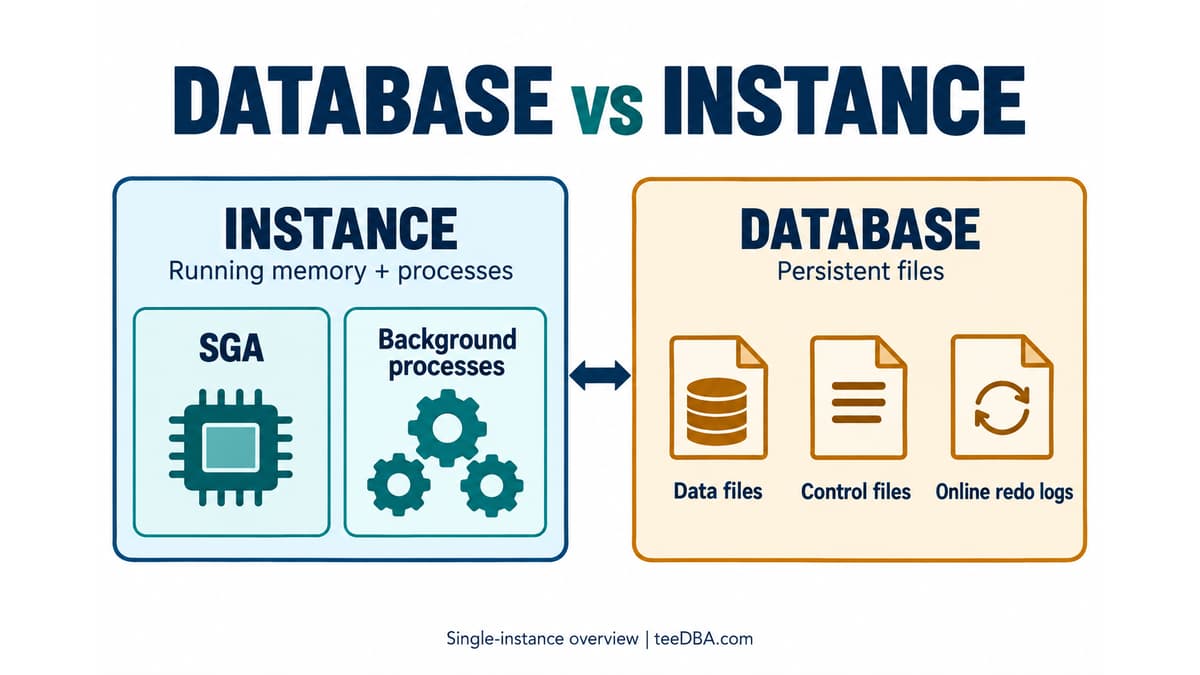
How Do an Oracle Database and an Instance Differ? See the Difference in One Diagram
Separate an Oracle Database's files from an Instance's memory and processes, then compare their status using v$instance and v$database.
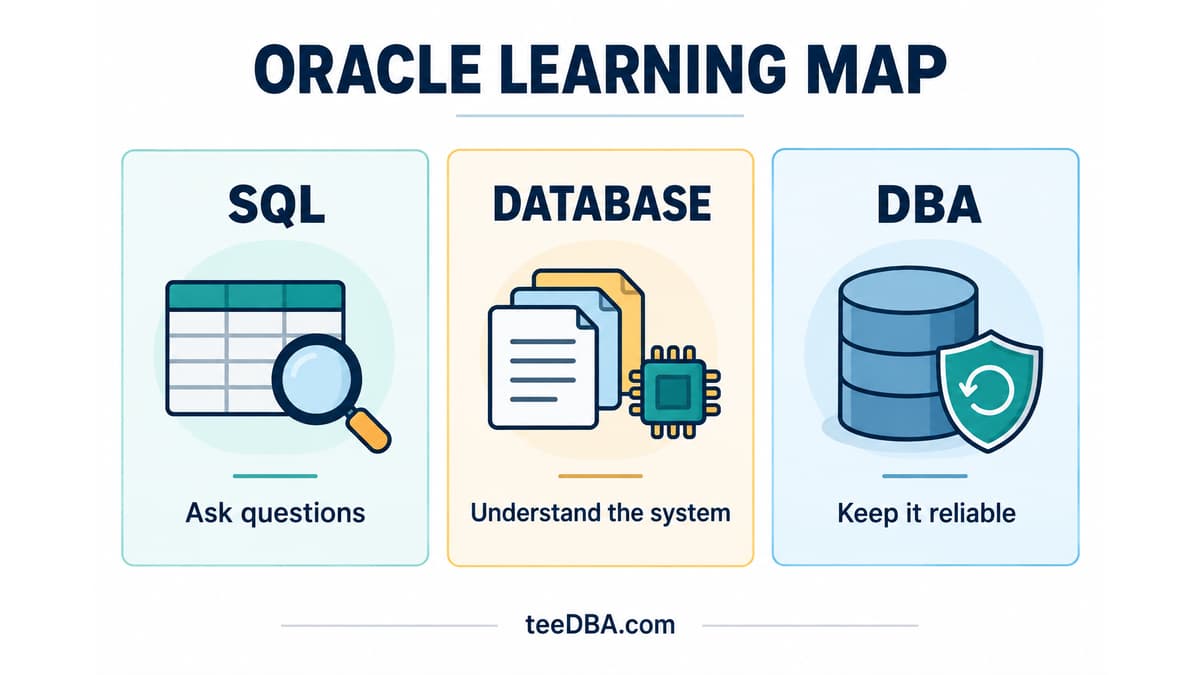
Not Sure Where to Start with Oracle? Pick One Task
Not sure where to start with Oracle? Use three sample orders to practise SQL, then choose database and DBA topics that fit your work.

Check ARCHIVELOG mode before you need to recover
Understand ARCHIVELOG and NOARCHIVELOG, check your database mode, and plan the switch before a recovery incident.